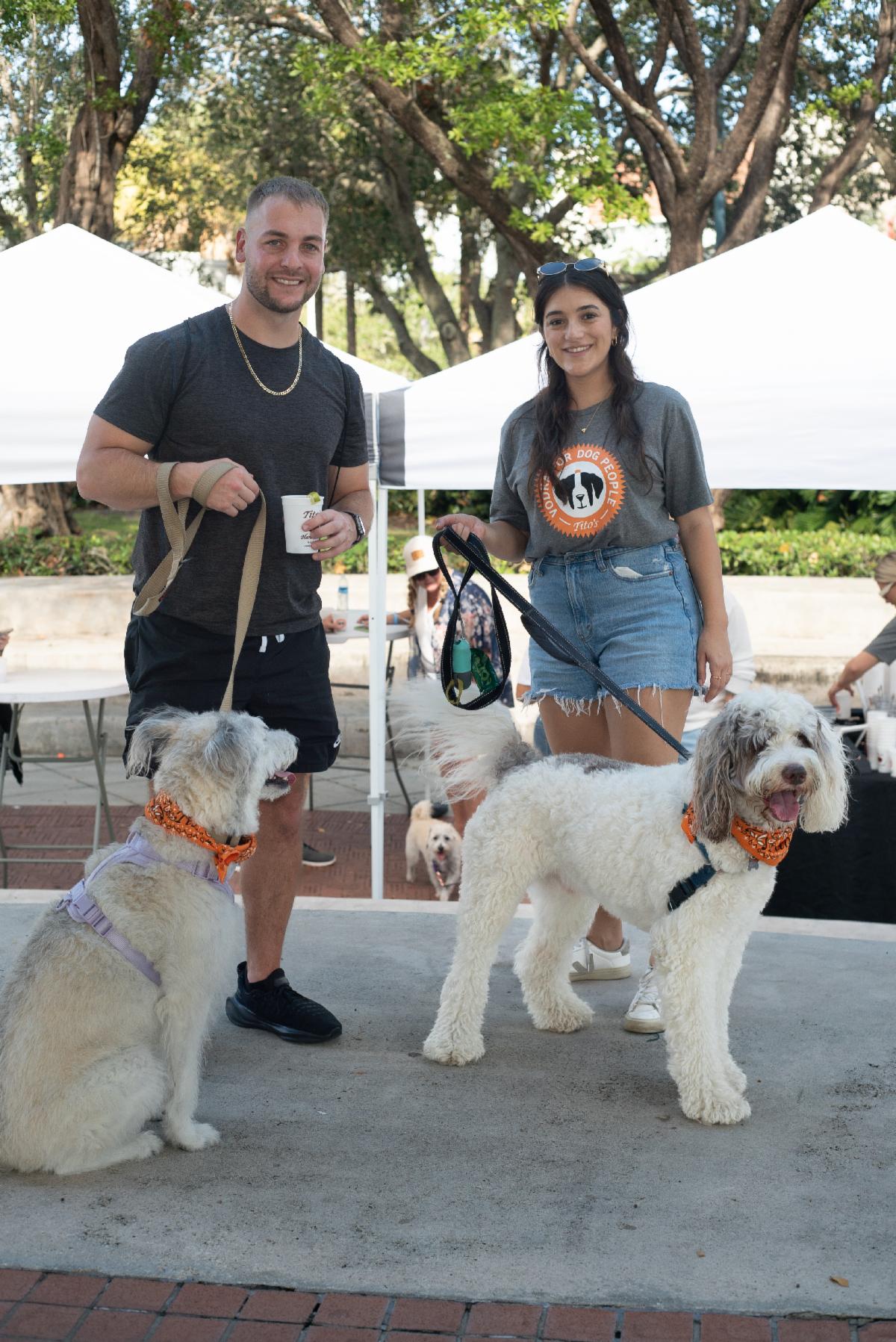
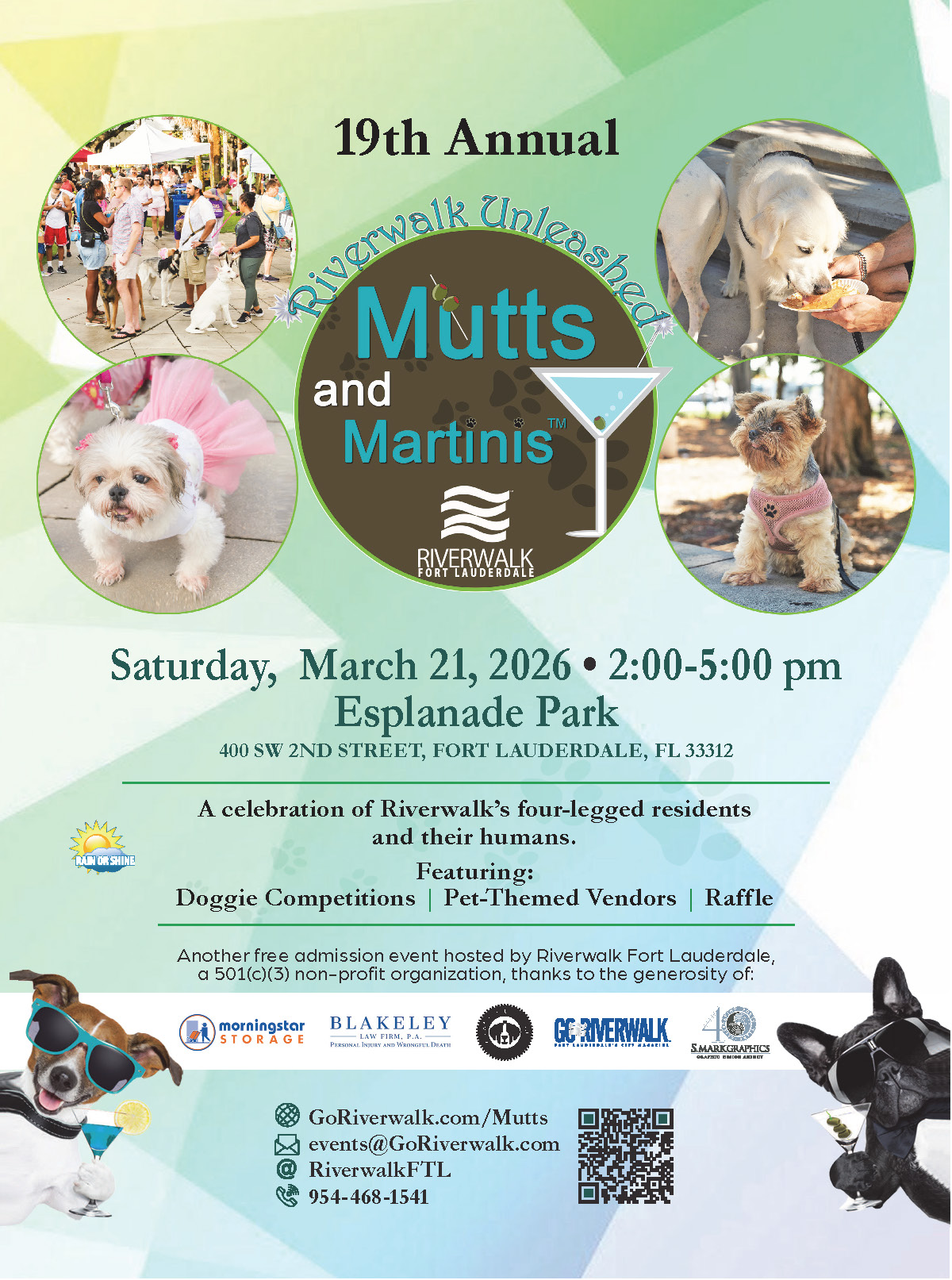
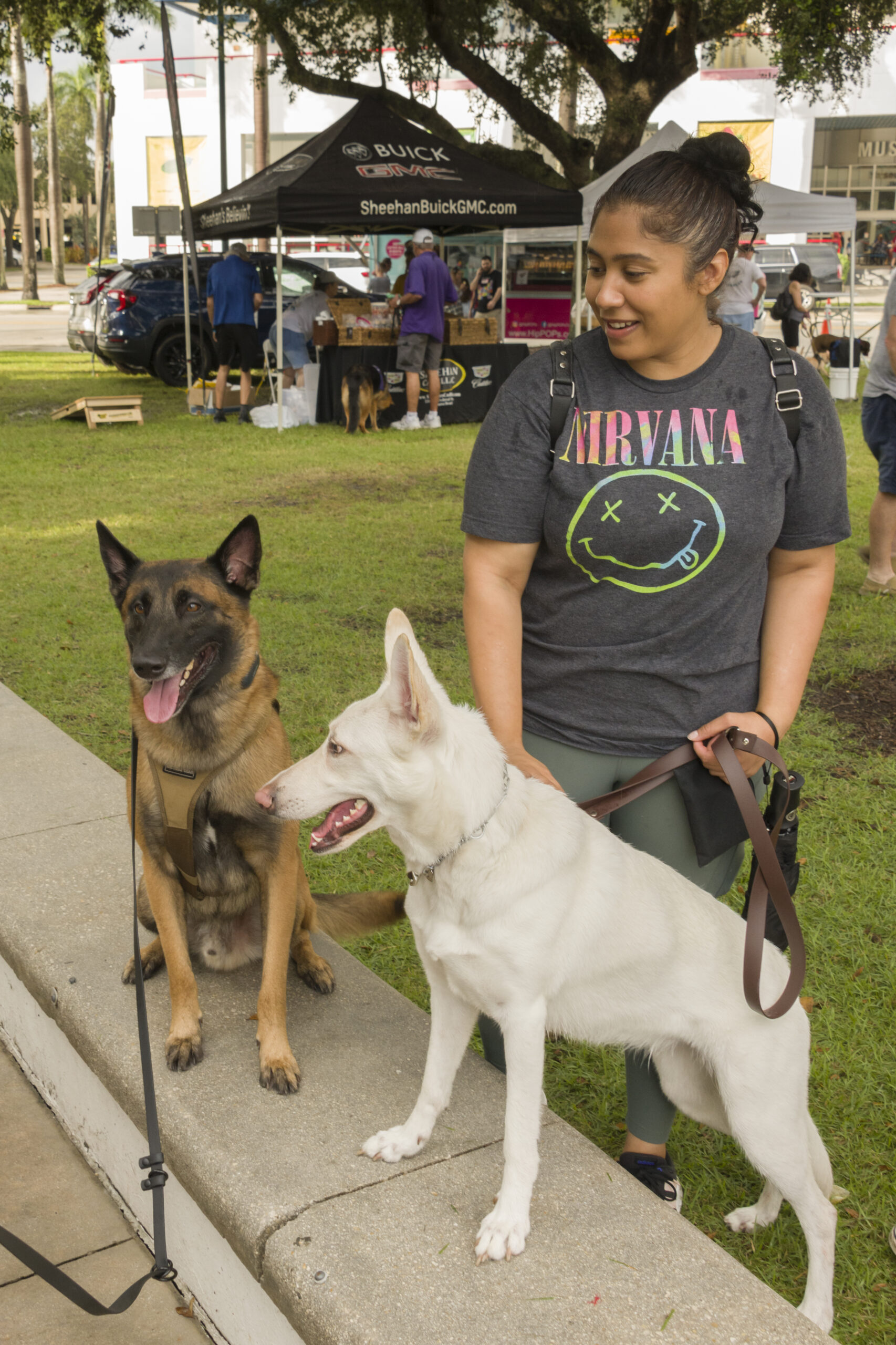
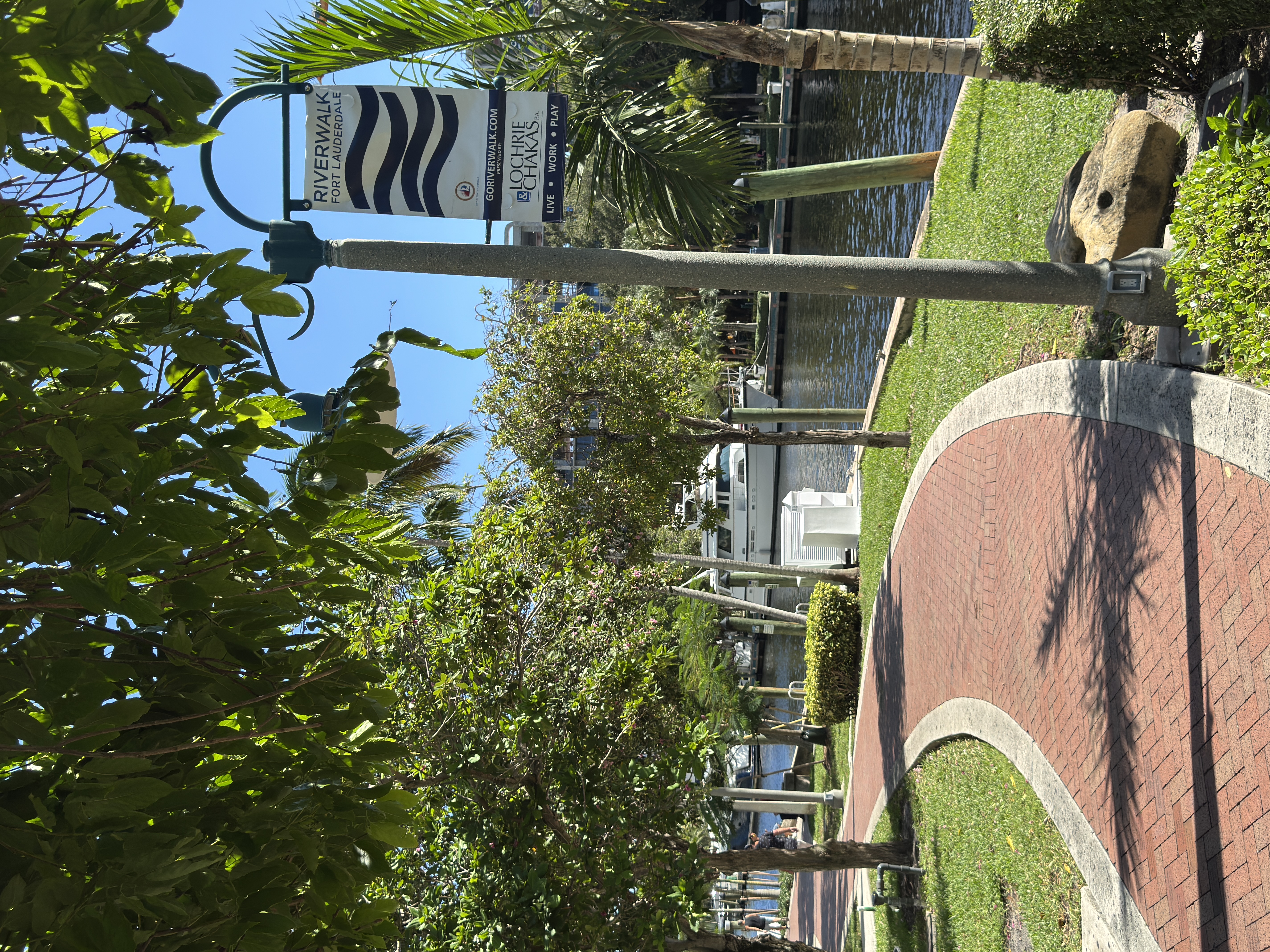
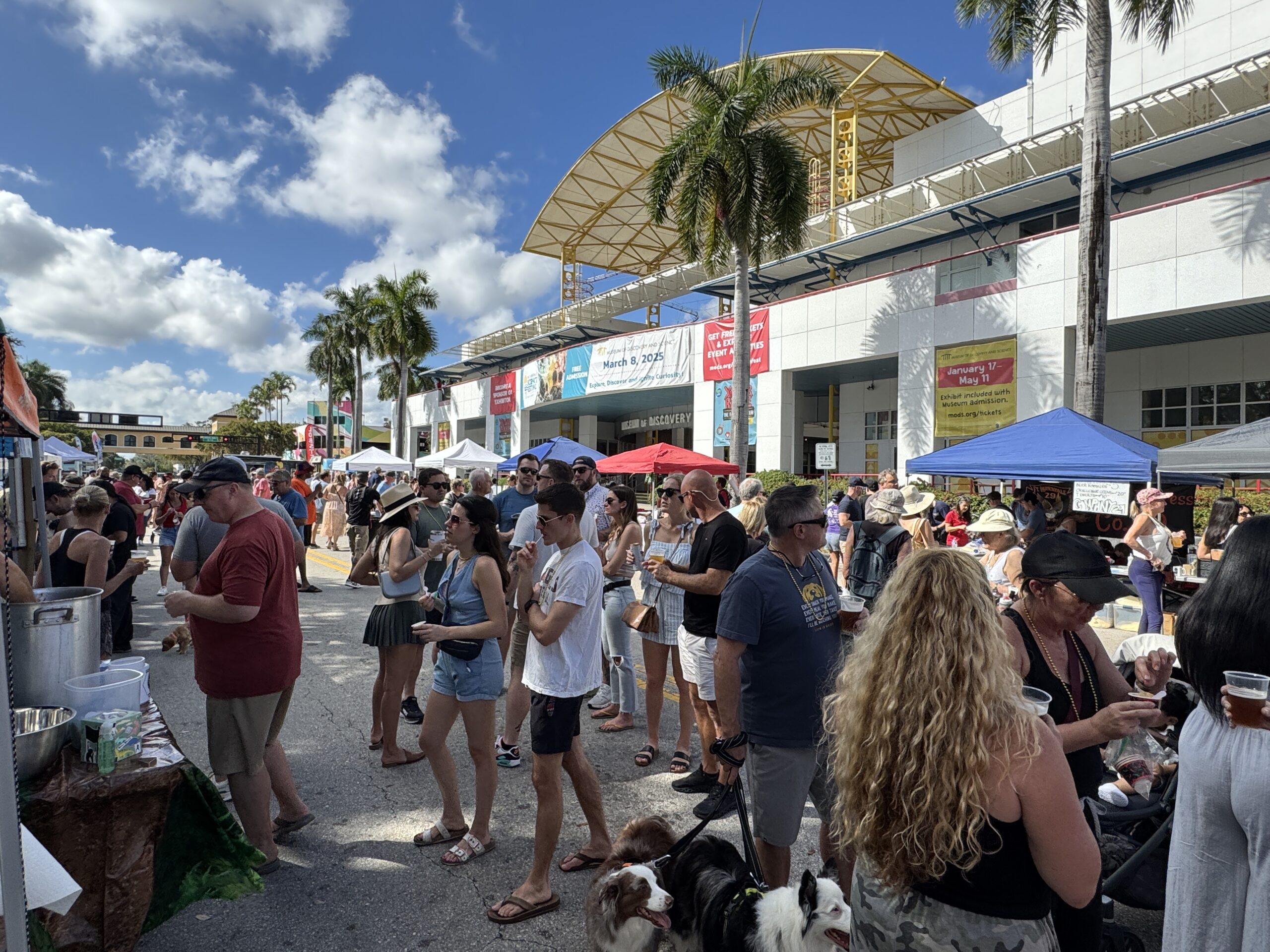
FORT LAUDERDALE, FL (March 9, 2026) — Riverwalk Fort Lauderdale invites dog lovers and their four-legged companions to the 19th Annual Riverwalk Mutts & Martinis™, taking place Saturday, March 21, 2026, from 2 p.m. to 5 p.m. at Esplanade Park (400 SW 2nd Street) along the scenic New River in Downtown Fort Lauderdale.
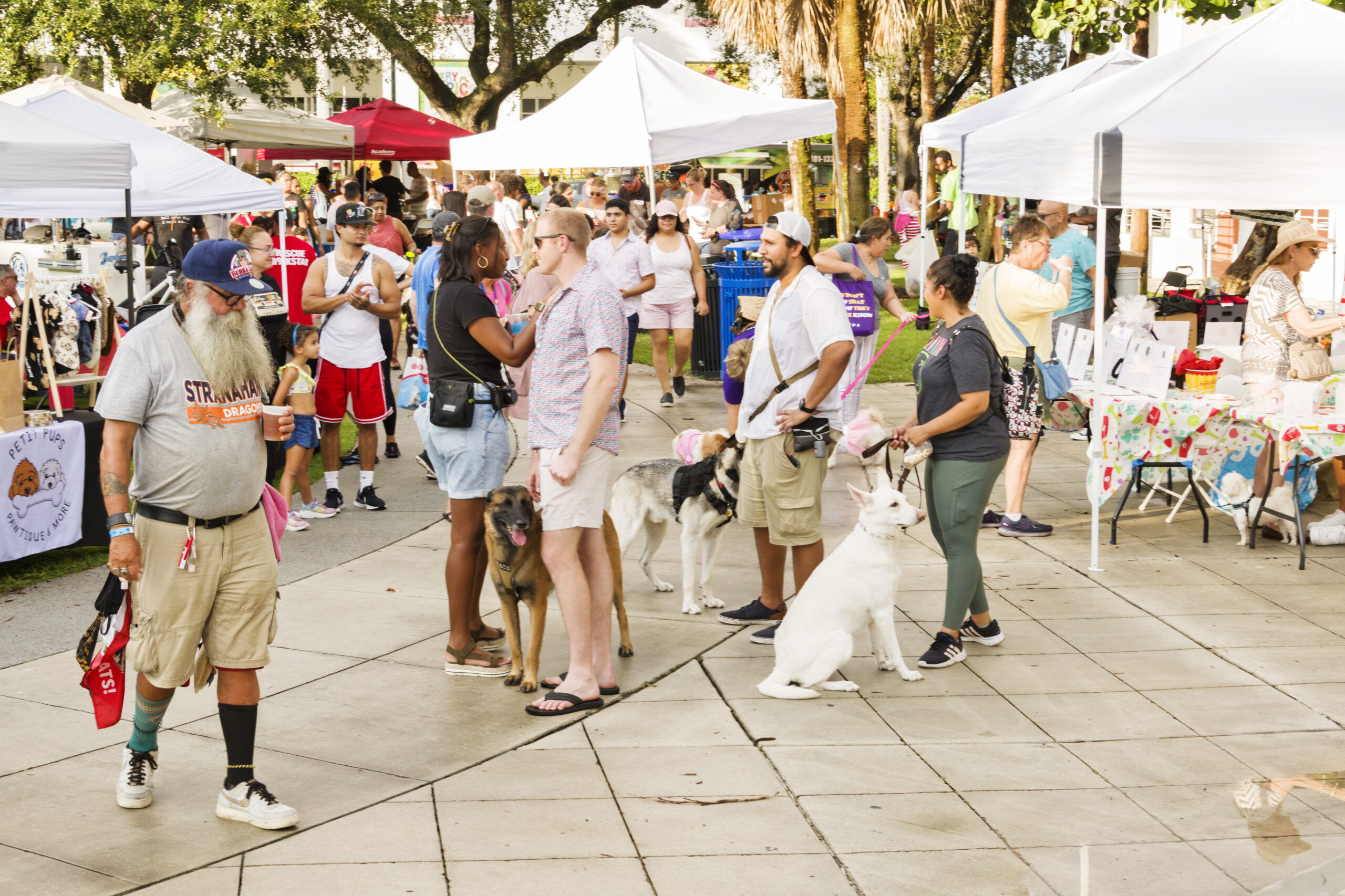
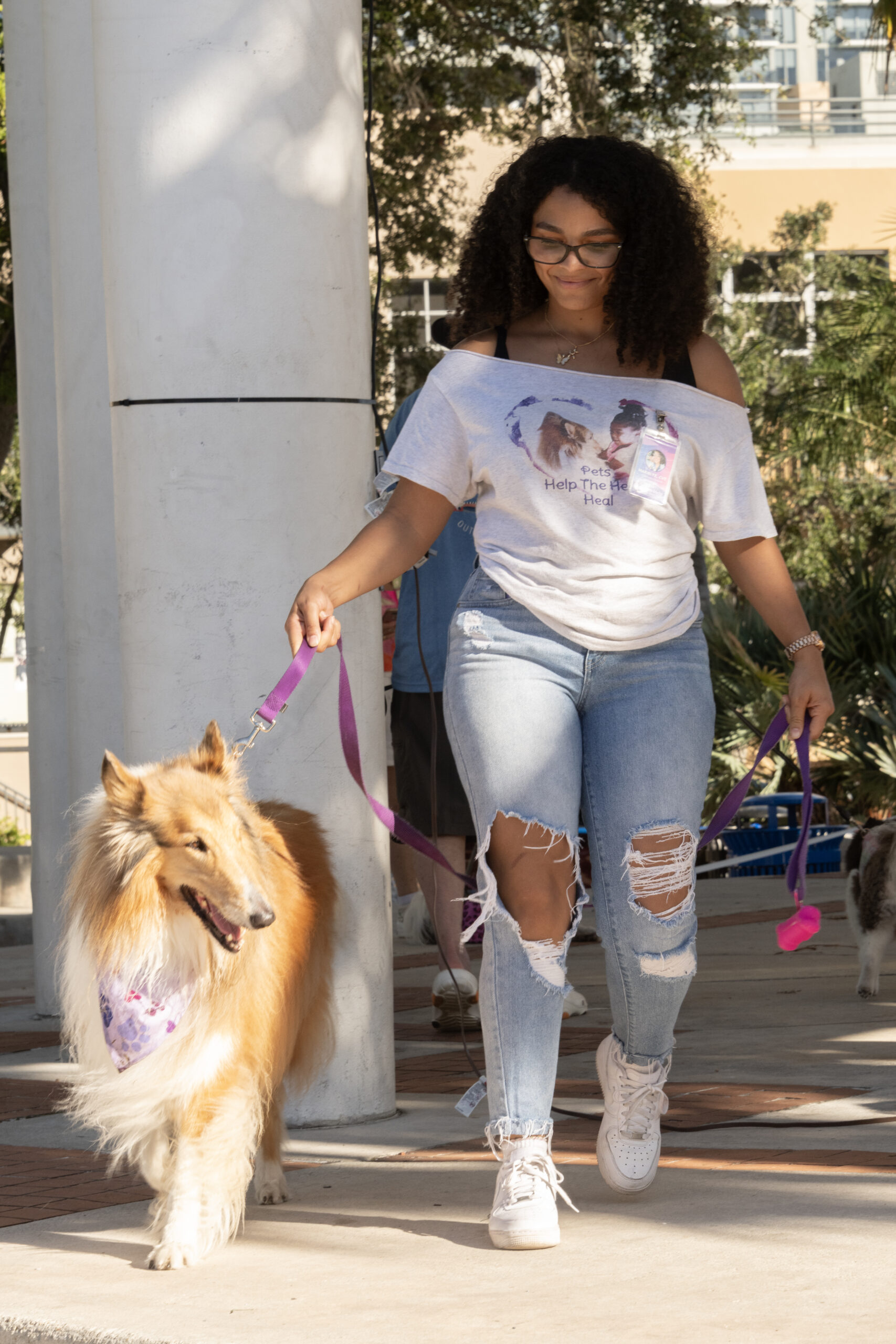
This beloved community tradition celebrates Riverwalk’s four-legged residents and the humans who love them with an afternoon filled with canine-themed fun, entertainment and opportunities to support local pet rescues. The free, family-friendly event welcomes guests to bring their pups or simply stop by to enjoy the festivities.
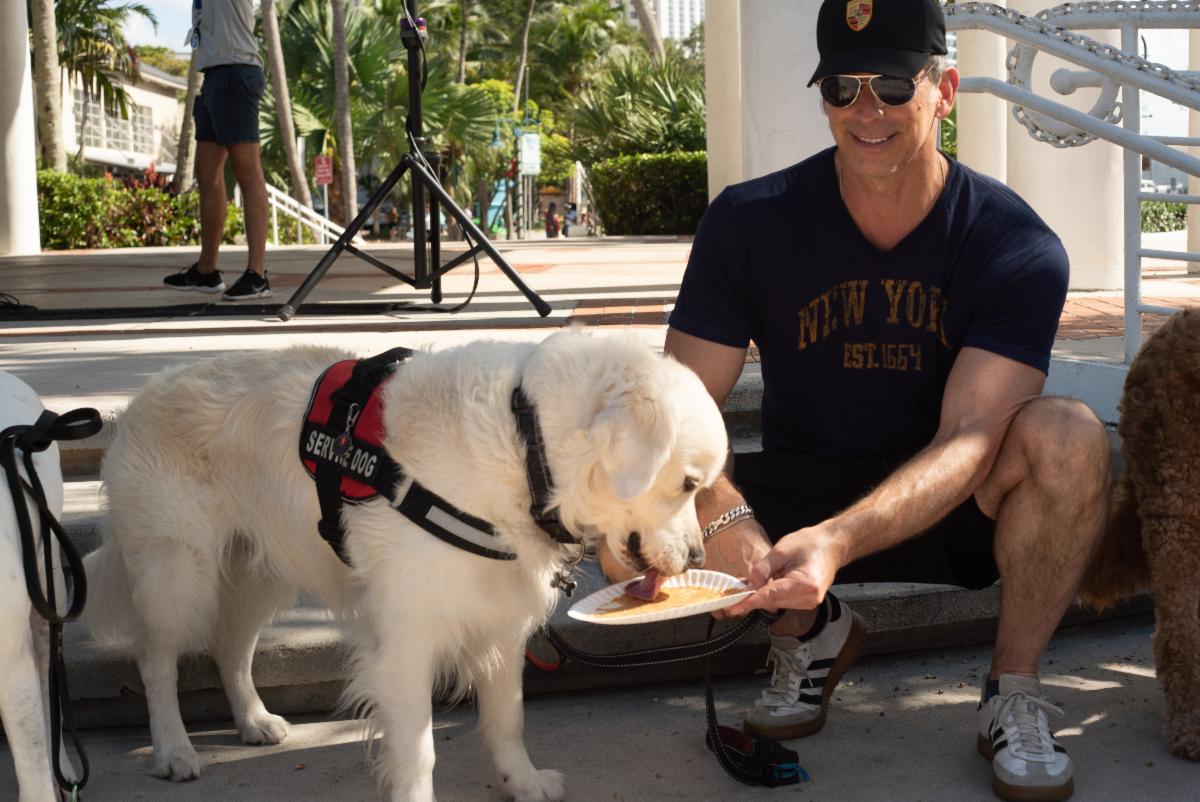
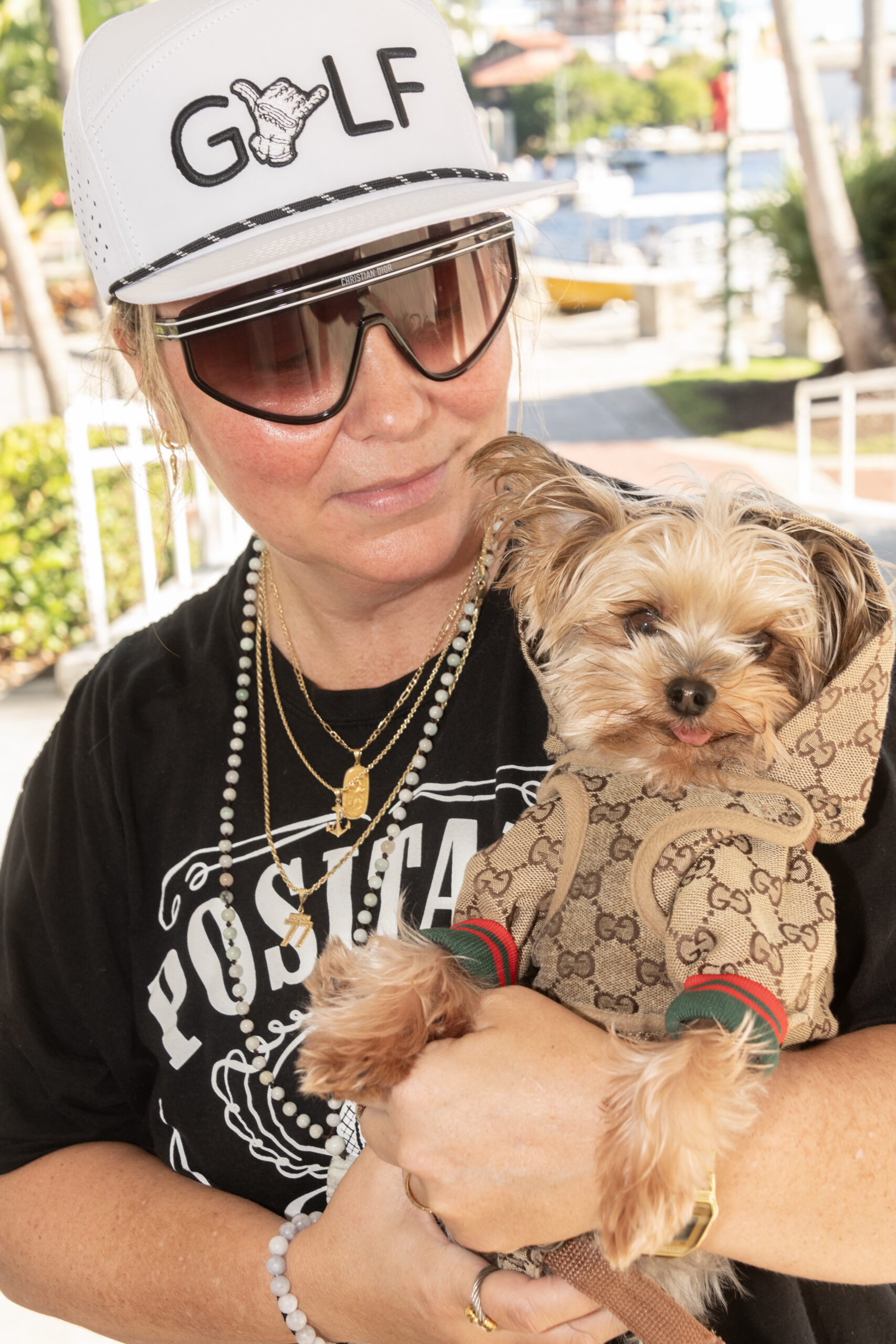
Highlights of the event include the crowd-favorite Peanut Butter Eating Contest, the ever-popular Doggie Fashion Show, pet-themed vendors offering treats and accessories, and a silent auction and raffle featuring prizes for dogs and dog lovers alike.
In addition to the entertainment, the event places a strong focus on pet rescue and adoption, with local shelters and rescue organizations on site connecting dogs in need with loving homes. The afternoon provides an opportunity for the community to meet adoptable pets and learn more about the organizations dedicated to helping them.
Rescues participating this year include: We Care More Pet Rescue, UFAR Animals Rescue, Humane Society of Broward County, Abandoned Pet Rescue, Everglades Angel Dog Rescue, Good Karma Pet Rescue and Suncoast Basset Rescue.
Guests interested in participating in the Peanut Butter Eating Contest or Doggie Fashion Show may pre-register by emailing Events@GoRiverwalk.com, with day-of registration also available at the Riverwalk tent at the northeast entrance of Esplanade Park.
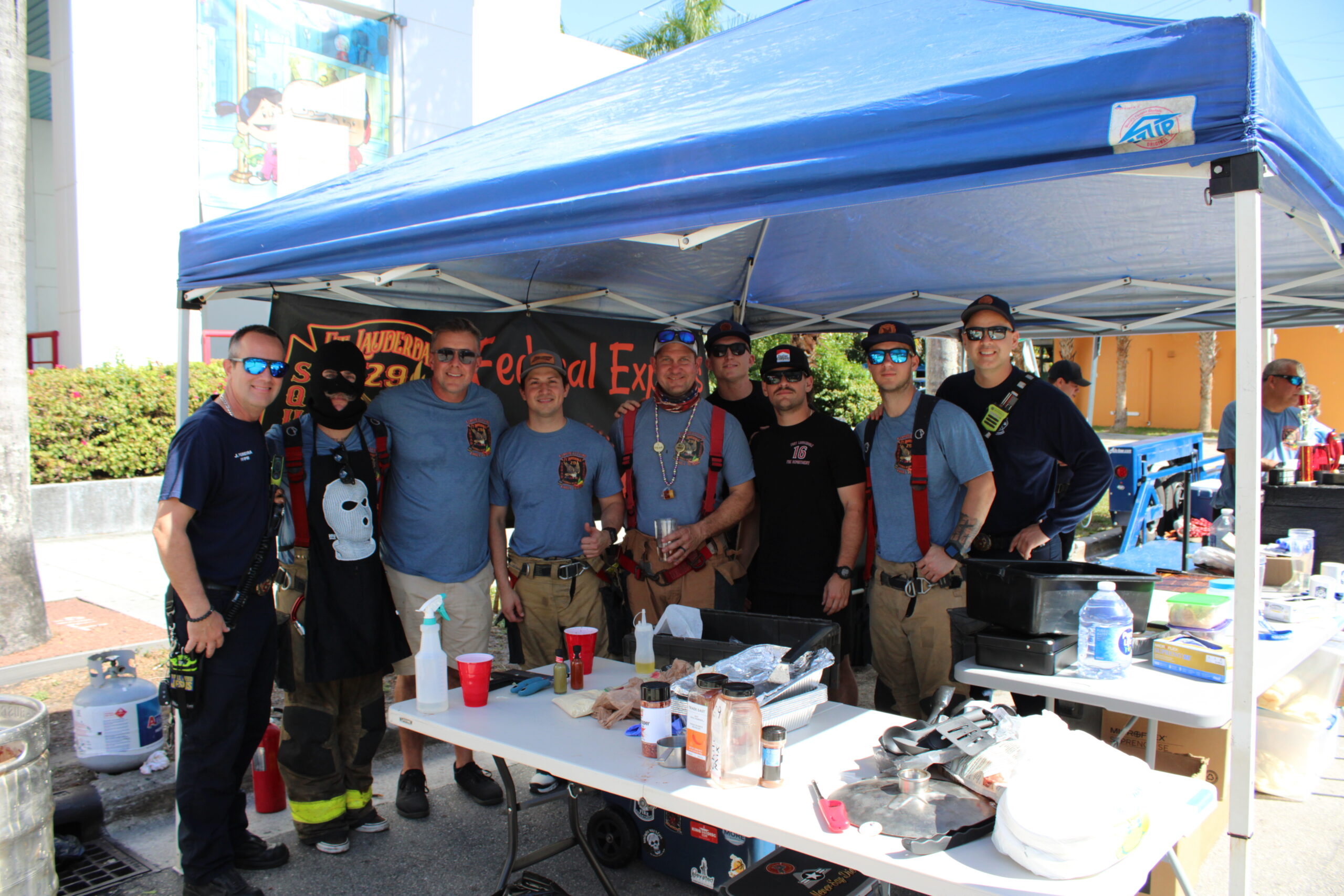
Riverwalk Fort Lauderdale is able to continue delivering free admission events and programming to the community thanks to the generous support of its sponsors and partners, including: Tito’s Handmade Vodka/Vodka for Dog People, Blakeley Law Firm, P.A. – Fort Lauderdale Personal Injury Lawyers, Morningstar Storage, S. Mark Graphics, and Go Riverwalk Magazine.
For more information, sponsorship opportunities, or vendor participation, visit www.goriverwalk.com/mutts or email Events@GoRiverwalk.com.
About Riverwalk Fort Lauderdale, Inc.
Riverwalk Fort Lauderdale is a 501(c)(3) non-profit charitable organization responsible for the programming, beautification and activation of Riverwalk Park and the Riverwalk District. Composed primarily of volunteer private citizens and overseen by a board of directors, all members uphold the organization’s directive, as stated in its mission statement, “to be the catalyst in building and nurturing Riverwalk and the Riverwalk District as a vibrant community connected by the New River.” Funding for this mission comes from hosting a wide range of fundraising, networking and membership events, grants, and by publishing local information on our informative website and in Go Riverwalk Magazine.